Restoring purchases
The game stores your purchases on your device. On a new computer or phone, after a reinstall, or if the purchase didn't show up, you can bring it back from the blockchain. You only need the transaction hash (on Solana, the signature) of the payment.
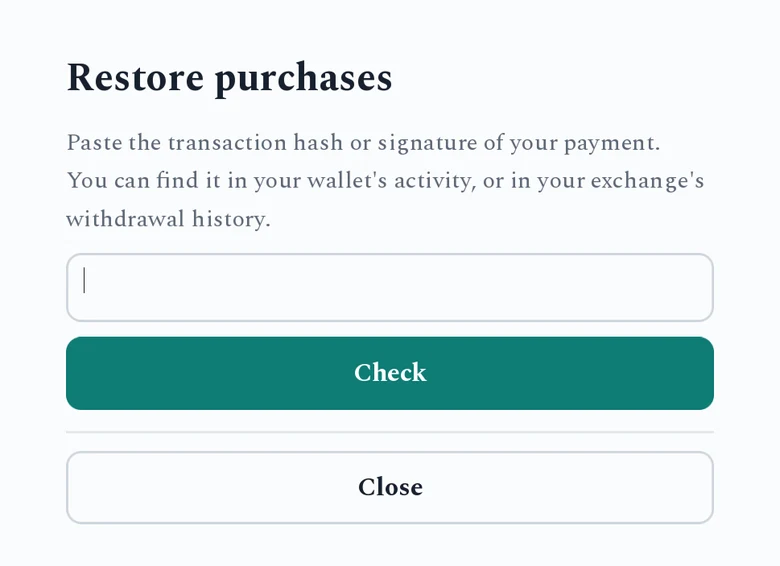
- Open the game's Restore purchases screen. Where it lives depends on the game, usually the main menu or the preferences.
- Paste the transaction hash or signature. You can find it in your wallet's activity or in your exchange's withdrawal history. In a game played in the browser, Paste needs the browser's clipboard permission. If you refuse, type the hash instead.
- Press Check. The game looks the payment up and shows what it unlocks.
- Press Restore.
"Nothing new to restore" means those purchases are already on this device.
If it doesn't work
- "Transaction not found": a payment made seconds ago may not be final yet. Wait about 15 seconds and try again. For older payments, some public servers don't keep the history, so try again later.
- "What was it for?" The game can't always tell from the amount what a payment bought. Pick the item, or Keep as a tip, then press Restore.
- Still stuck? Contact the developer with the hash. They can look up the payment and unlock the item for you.